
Get on board
Create Your First Product Feed with FeedForge
Install the app
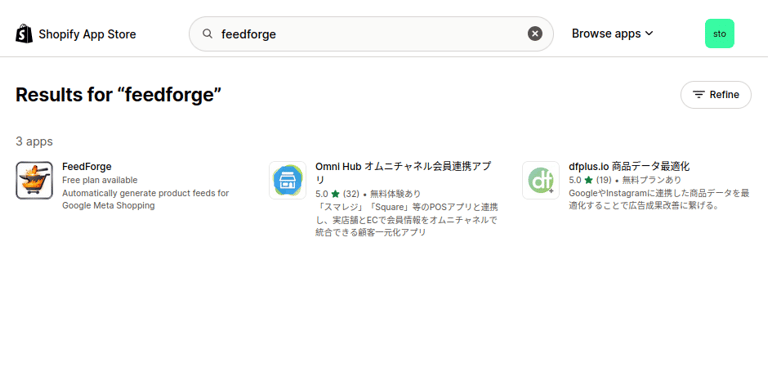
Add FeedForge to your Shopify store directly from the Shopify App Store.
Open FeedForge from Shopify admin
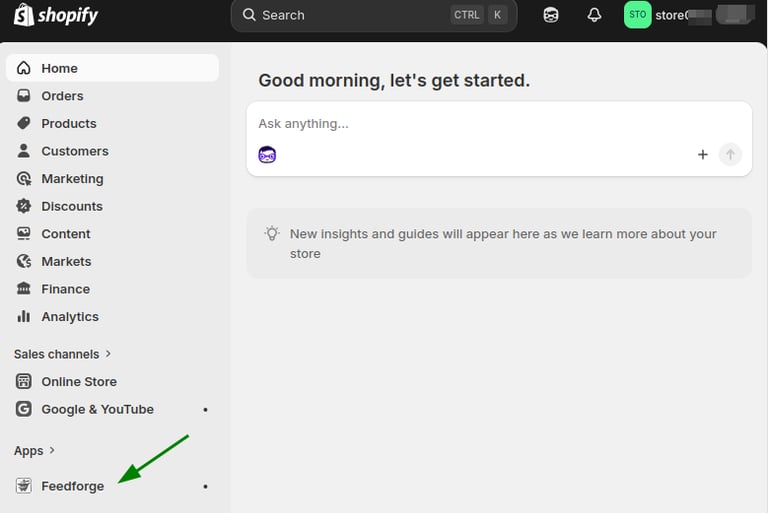
After installation, go to the Apps section in your Shopify admin and open FeedForge.
Create your first feed
Choose the feed type you need, such as Google Shopping, Meta Shopping, XML, CSV, or XLSX.
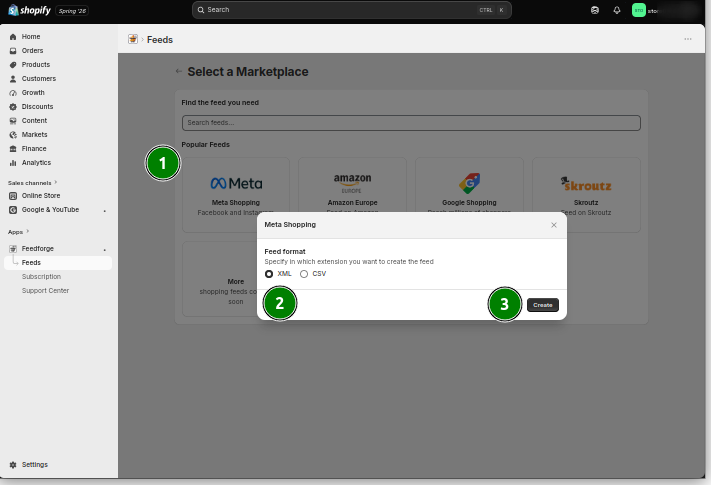
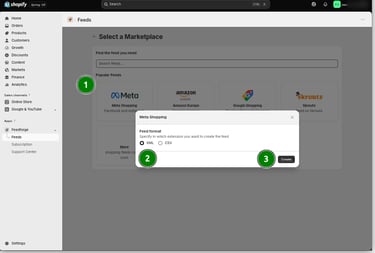
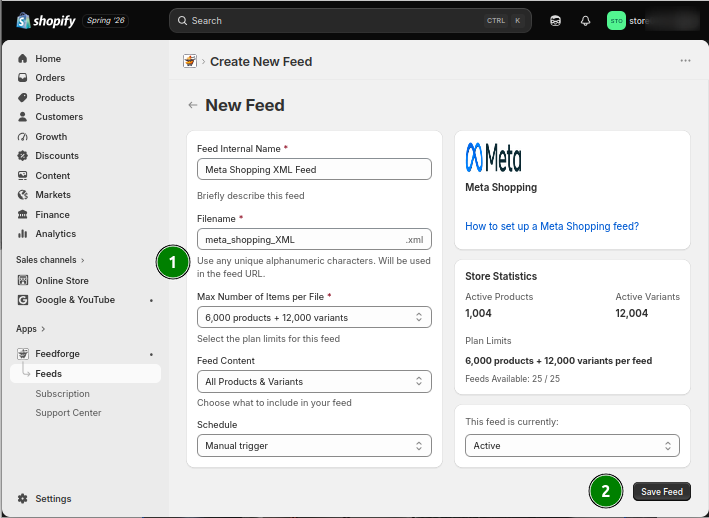
Configure your feed settings & Save Feed to Generate it
Select marketplaces/channels,format, and update options that match your sales channel.
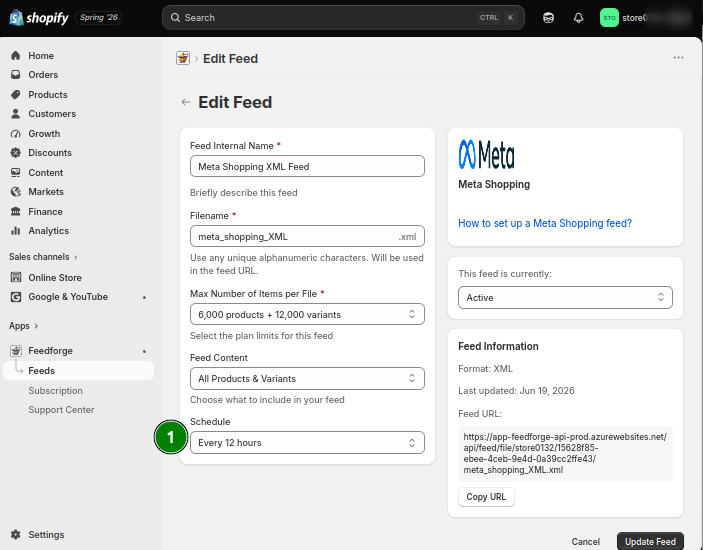
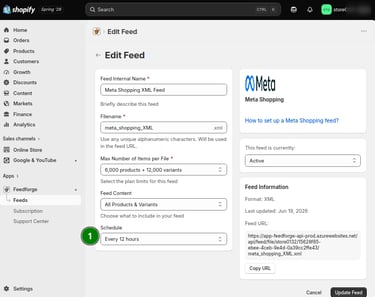
Download your feed
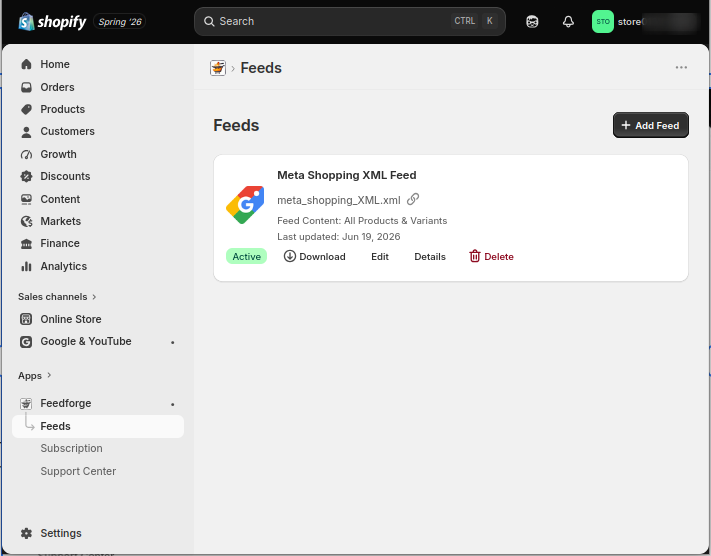
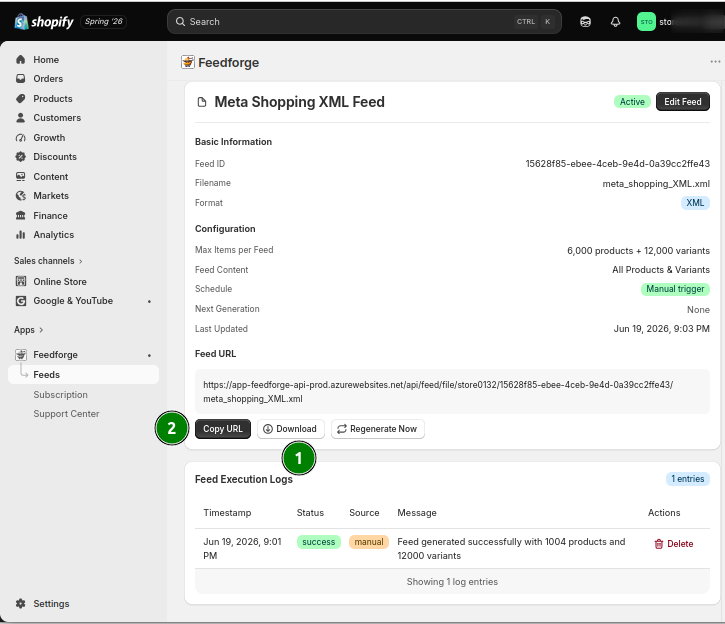
Download your feed file or use the generated feed URL where supported.
Automate updates
Schedule daily, weekly, or custom feed updates to keep your product data fresh.
Manage everything in one place
Edit, download, regenerate, or remove your feeds from the FeedForge dashboard.
With FeedForge, you can create and manage Shopify product feeds more easily, helping you keep your product data ready for shopping platforms, marketplaces, and advertising channels.
Contact
© 2026. All rights reserved.
Email: support@feedforge.eu